
Introduction
I have worked with many writing tools through my life as a writer and a creator. From simple text editors to complex creative suites for making layouts and workshopping ideas. In many ways does the tools we use shape our work flow, for better or for worse, in other ways our use changes the tools. It is when we modify and experiment with a tool that we make it our own1.
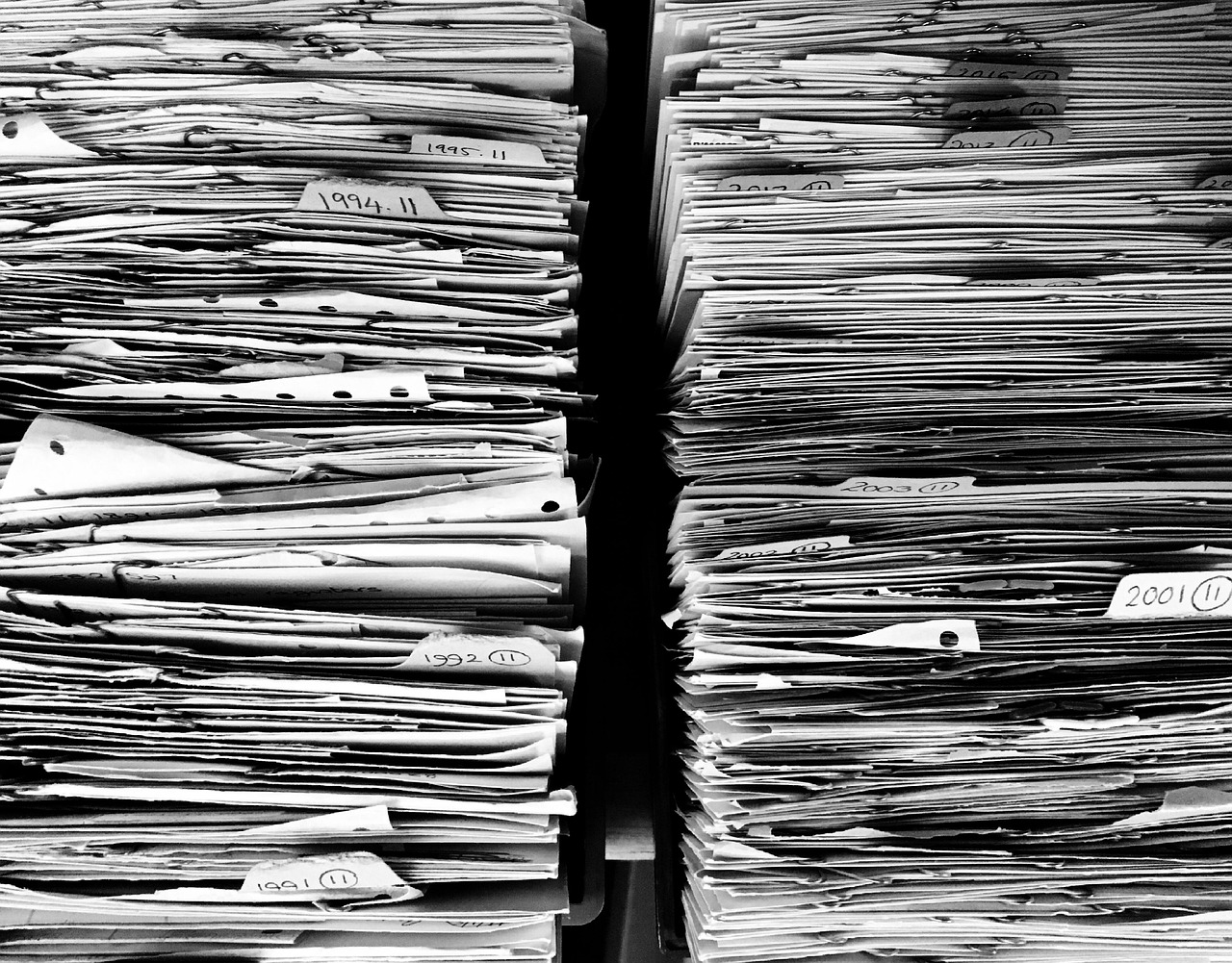
This essay is written using google docs, a tool that is very close to Microsoft Word in many ways. Both tools are made to be straight forward and easy to understand. The layout is the analogue of a blank paper on a desk, or in a typewriter. The standard indent is that of a typewriter, the layout it creates being that of a text in a book2 or a document.. Google docs has added ways to nest documents in sub categories, making it a lot easier for me to work on larger projects like my essay series. I have several sub folders, for all the essays, denoted by how far along they are to being finished.
I have for a long time found the tie between physical and digital workflow deeply fascinating. We do not often consider how much of your digital life has a direct real life predecessor. I have as a result made a deliberate choice to explore and expand how I work with digital media. This essay is a chronicle of that journey so far.
Dipping my toes in
I have recently started using the tabs function in Google docs to cut down on the amount of half finished documents I need to keep tabs3 on. I started to move old documents into one master file for each project4. This greatly cut down on the files in my drive, and made me get a much better view on where I were in the creation process. This is a practice that has a clear tactile allegory in folders and filing systems, or simply clipping documents together. Something clicked when I started to more actively organize my work in this way. I wanted to try and find different ways that I could add more tactile sensations to my digital life, as well as making my workflow more harmonious and less stressful.
I started by exploring Trello, a website for organizing tasks and calendars for better workflows. It is a tool that I use to keep track of different projects, saving links and documents in one place, theoretically helping me minimize open tabs5. There is a layered nature to the layout of the program is not in and of itself a tactile feature, but the ability to drag task bubbles from one area to another very much is. It in many ways mirrors the sensation of moving post it notes around.
My second experimentation with organizing tools is the web browser Vivaldi. The browser is open sourced and applies itself to counteract AI bloat and tracking online. I have found their nested tab feature, as well as the redirect away from Google very useful for me. I am still learning to use the browser to its full potential, but the ability to clump together collections of tabs has been a life saver. This way I don’t have to worry about loosing important links, while having a clean and ordered browser window.
Digital reading
It is impossible to not mention the number of digital readers and reading tools when discussing digital creativity. Archive.org for example has gone to great lengths to try and keep the sensation of a physical book alive as possible. Sometimes this is to the detriment of the user experience, as moving the pointer around on the screen while reading larger books can easily become cumbersome. Project Gutenberg takes the opposite approach, focusing on readability and ease of use. While this follows the spirit of its name sake and makes materials more accessible, some of the magic is lost in the process, especially when using the online reader.
Most modern E-readers follow one of these two philosophies, many landing in between the two. Google play books for example presents the text as an actual book, with a crease in the middle, but keeps the text plain and easy to read. Many E-readers have tools like text markers and bookmarks that have a clear physical allegory. Other features like extensive note taking and searching for definitions are more tied to digital workflows.
Dedicated novel writers
My first experimentation with dedicated novel writers was with 4thewords, a platform designed to encourage you to write more consistently. This is done by gamifying the writing process by adding things like levels, quests and monsters. While it did help me get into a good rhythm of writing, was the process not in and of itself a very different experience from using any other word processor. Sadly the word processor is rather rudimentary, and I eventually came to outgrow it. With that said, do I wholeheartedly recommend it, I simply used it enough to not need it anymore. I wanted something with more features, and more structure.
This led me to exploring World anvil, a dedicated world builder and novel writer. The website is designed to work as your all-in-one program for notes, characters, worldbuilding as well as writing the text itself. The website allows for simultaneous notes to be open, and for easy links to be made between documents and articles. I have found that World anvil gets close to the sensation of building a story bible. You connect the sensation of having various different texts, snippets, notebooks and post notes, in one place, with the convenience and scalability of a wiki.
Non linear planning and creation
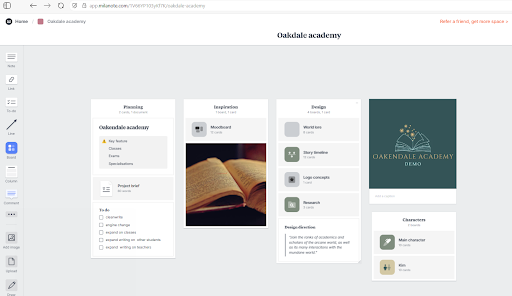
There are many programs and websites designed to create workspaces and creative collaborative spaces.. Google docs as well as Office both offer several ways of combining and linking different files, documents and notes together. I have worked a small amount with Office in my day job, as well as exploring some of Google’s organization tools. Google classroom has been incredibly useful for me to get my head around lesson plans and tests.
World Anvil has many features that makes it a non linear planning tool, in its notebook, articles and cross reference functions. Sadly I find it a bit too clunky and heavy to use for quick notes and ideas. It is for this task that I started using Milanote. Millanote is a brainstorming, organization and collaboration tool. It gives you a lot of the features of a physical whiteboard, while expanding and improving on it. Milanote lets you link different work surfaces and whiteboards together, creating nesting collections of work spaces that can be moved between.
Millanote lets you drag and drop everything from Youtube links to documents to pictures directly in a work area. The premade template and work boards often help me approach concepts and ideas from different directions. As someone with five ideas at once is it very helpful to be able to focus and collect all the seemingly disparate and non connected ideas in one place. The tactile feeling of moving items and collection of items around deeply helps me stay focused and grounded in my work. I especially adore the columns feature that allows you to add different kind of notes, links and videos in to simple to move and organize collections.
Digital work spaces
There are several small games designed to keep you company as you work, write and study. I have tried a few, but I have landed on using On-together as a way to write and create together with others. I rarely talk in the chat, or interact with others, but the knowledge that others are at the table, being productive is very helpful. You are able to sit down, with a book or a laptop, take notes in game, keep track of time, and dates all within the map. It brings me back to when I went to the uni library just to work in silence amongst others.
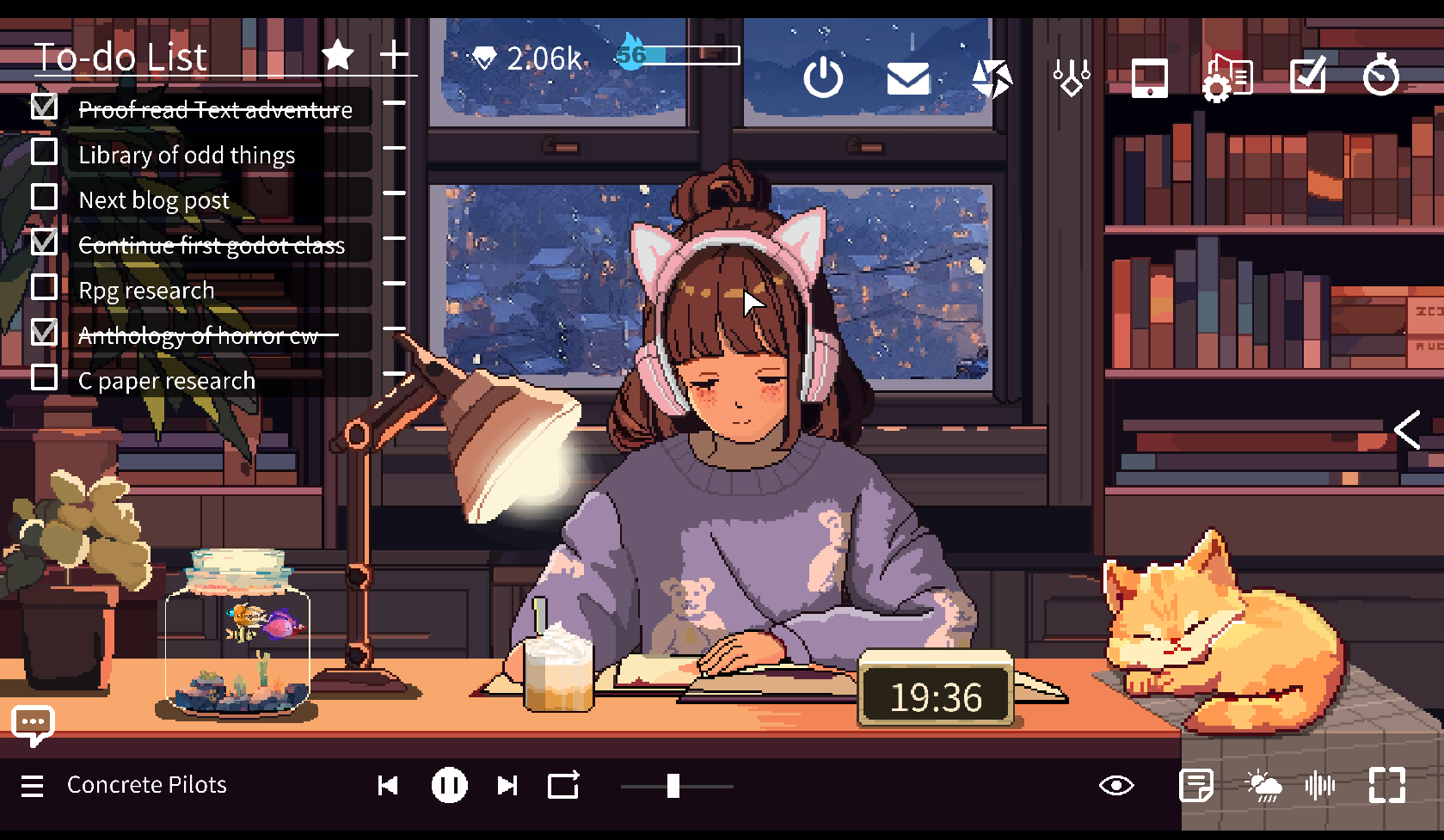
I used chillpulse before, a game where you study together with a girl/study as a girl, drinking coffee and writing. While Chillpulse is a single player experience, the presence of the other person, and the small narratives that happen in each scene help greatly to keep me motivated. I still use the game from time to time, as the aesthetics, music and little mini games are delightful. Being able to make a virtual cup of coffee or tea is a delightful design detail.
Final thoughts
The internet is full of productivity tools, planners and writing aids. There is no one stop solution for all your problems, and you will often need to shop around until you find something that works for you. What I wish to show with this essay is that there are so many more options than the blank word or google document.
There are many options, if you like me, you need to be able to connect, move around and get messy with your creative work. It was not until I started writing this essay that I really started to take a long look at what kind of tools I was using when creating. It has led me to think of my creative work in a different way.
What did I need, what did I actually use. What features came in the way more than helped. I for example learned that I found that the 4thewords approach to gamifying to be exhausting, while I found the very visual and tactile approach to Milanote deeply helpful in organizing and preparing. I hope that I have made you look at your digital creative and productive life in a different light.
- Google lets you customize your workflow to a degree, while Vivaldi is the perfect browser for truly making it your won. ↩︎
- Google docs has many tools and templates that deviate from this standard layout, but for my everyday use, I tend to go for the blank page. ↩︎
- Pun not intended. ↩︎
- Much like, how I as a child realized that I could write my stories in one document, instead of creating new documents for each chapter. ↩︎
- In reality it does not. ↩︎
 An Unused Frequency